Best Ticketing System for Small Business: Top Choices for 2026
As a small business, every customer interaction counts. Managing support requests through scattered emails and spreadsheets quickly becomes unsustainable, leading to missed messages, slow responses, and frustrated customers. A dedicated ticketing system transforms this chaos into an organized, efficient, and scalable support operation. It’s not just about managing tickets; it’s about building loyalty, improving team productivity, and creating a professional customer experience that helps you compete with larger players.
Finding the right tool is the first step. Choosing the right ticketing system empowers small businesses to implement crucial customer service best practices, transforming how they interact with clients. This guide cuts through the noise to help you find the best ticketing system for your small business, whether you’re a lean startup, a growing e-commerce store, or a service-based team.
We provide a comprehensive breakdown of the top platforms available, moving beyond generic feature lists to give you practical insights. For each solution, you will find:
- Honest pros and cons based on real-world use cases.
- Clear pricing structures to help you budget effectively.
- Specific examples of which business types benefit most.
- Screenshots and direct links to see the software in action.
Our goal is to equip you with the information needed to make a confident decision. We’ll explore top solutions like Zendesk, Help Scout, Zoho Desk, and emerging AI-powered options like Ticketdesk AI, highlighting their unique strengths, practical applications, and limitations so you can select a system that pays dividends long after implementation. Let’s dive in and find the perfect fit for your team.
1. Ticketdesk AI: Best for AI-Powered Automation and Scaling
Ticketdesk AI establishes itself as a powerful, AI-driven helpdesk platform, making it the best ticketing system for small businesses aiming to scale support operations efficiently. It moves beyond traditional ticketing by leveraging artificial intelligence to automate the entire support lifecycle, from initial ticket creation to resolution. The platform’s core strength is its ability to learn from a company’s existing knowledge base, including FAQs, user guides, and even technical API documentation. This allows the AI to provide contextually accurate, 24/7 support without constant human intervention.
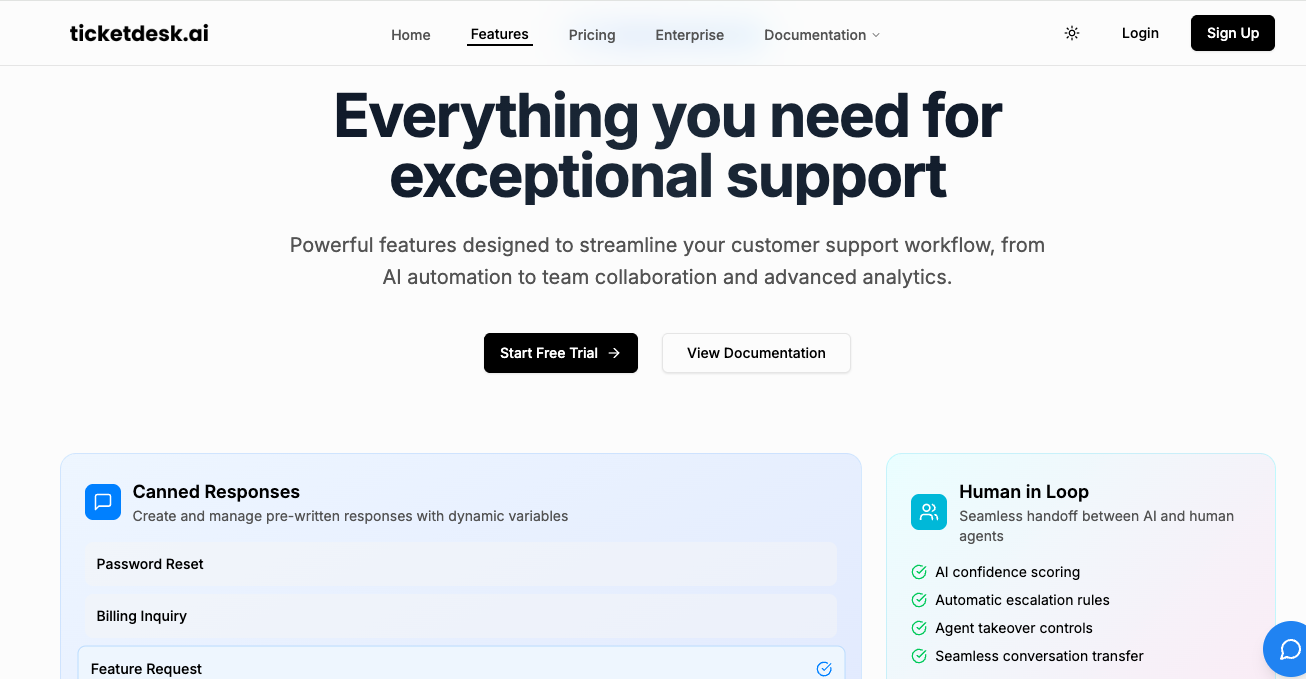
This continuous learning model enables Ticketdesk AI to automatically tag incoming tickets, draft relevant replies, and intelligently route issues to the appropriate departments. For a growing startup, this means bug reports are sent directly to engineering, billing questions go to finance, and feature requests land with the product team, all without manual triage. This automation significantly reduces response times (the company claims up to 90% faster) and frees up human agents to focus on high-value, complex customer problems.
Key Strengths and Use Cases
Ticketdesk AI is particularly well-suited for SaaS companies and e-commerce businesses where query volume can fluctuate dramatically. Its standout feature is the blend of automation with human oversight. Agents can review, edit, and approve AI-generated responses, ensuring quality control while still benefiting from machine speed. This collaborative workflow helps maintain brand voice and accuracy.
Standout Features:
- Intelligent Automation: Automatically handles routine queries, drafts responses, and performs smart routing and tagging based on ticket content.
- Continuous Learning: The AI constantly indexes your knowledge base, ensuring its responses remain current and relevant to your product or service.
- Built-in Escalation Workflows: Seamlessly escalates complex tickets to human agents or specific teams, preventing issues from falling through the cracks.
- Agent Collaboration Tools: Features like internal notes, ticket assignments, and AI-suggested replies support team collaboration and quality assurance.
- Real-Time Analytics: A dashboard provides key metrics like response time, resolution rate, and peak support hours to inform operational strategy.
Pricing and Onboarding
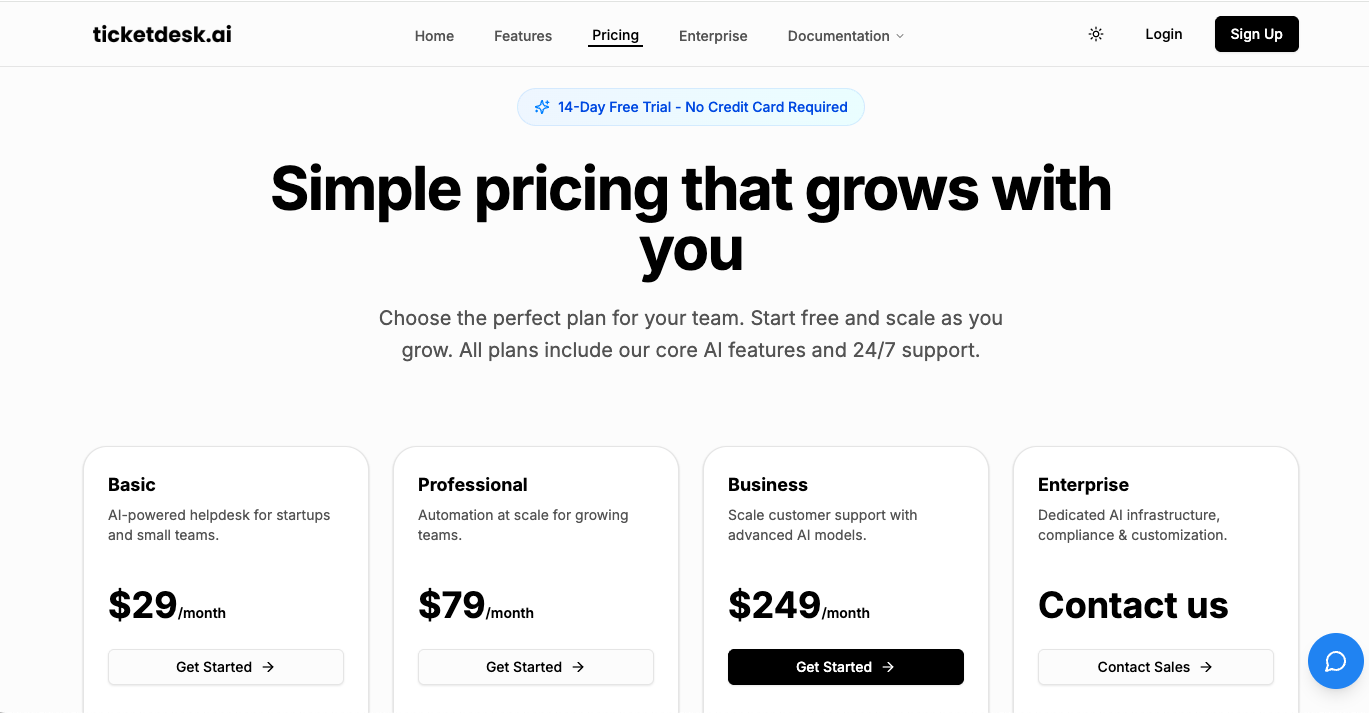
Ticketdesk.ai pricing starts at $29/month for basic AI helpdesk features, scales to $79/month and $249/month plans as you grow and offers enterprise options for fully customized AI support needs, giving teams flexibility and value at every stage
This is a significant advantage for small businesses without dedicated IT resources. For a deeper understanding of its capabilities, you can explore Ticketdesk’s guide to AI in customer service.
| Feature Analysis | Assessment |
|---|---|
| Automation & AI | Excellent. Core strength is its ability to learn and automate nearly every step of the ticket lifecycle, from routing to initial response drafting. |
| Ease of Use & Setup | Strong. Marketed as a fast, minutes-to-live setup, which is ideal for small teams. The interface prioritizes clarity for both agents and managers. |
| Collaboration | Very Good. Blends AI suggestions with human oversight, internal notes, and assignments to create an effective hybrid workflow. |
| Scalability | Excellent. Designed for growth, handling increased ticket volume without a linear increase in headcount. Ideal for businesses expecting rapid expansion. |
| Pros | Dramatically faster, 24/7 support; automated routing and escalation; learns from your unique content; strong collaboration tools with human oversight. |
| Cons | AI accuracy is dependent on the quality of your knowledge base; lack of transparent pricing tiers requires a sales inquiry; lacks formal certifications on public site. |
Website: https://ticketdesk.ai
2. Zendesk
Zendesk is a powerhouse in the customer service world, offering one of the most comprehensive, full-stack platforms available. For small businesses with ambitions to scale, it provides an enterprise-grade foundation that can grow with you. It stands out by packaging robust, mature features into a system that, while complex, is built for serious customer support operations.
The platform excels at omnichannel support, unifying conversations from email, chat, social media, and voice into a single agent workspace. Its strength lies in its sophisticated automation engine, which allows for complex workflows, skills-based ticket routing, and strict Service Level Agreement (SLA) management. This makes it a top contender for businesses that need to enforce specific response times and route specialized queries to the right agents efficiently.
Key Features & Use Case
-
Omnichannel Ticketing: Consolidates all customer interactions, providing a unified view for agents. Perfect for e-commerce businesses managing queries from Instagram DMs, website chat, and support emails simultaneously.
-
AI & Automation: Zendesk’s AI add-ons, like its Copilot, assist agents with responses and automate resolutions for common issues. Many platforms use similar technology to boost customer engagement with AI chatbots and reduce manual workloads.
-
Extensive App Marketplace: With over 1,200 apps, you can connect Zendesk to virtually any tool in your tech stack, from Slack to Shopify.
Pros:
- Highly scalable architecture supports growth from startup to enterprise.
- Deep ecosystem of integrations and a robust API.
Cons:
- Pricing can become expensive as you add agents and premium features.
- The administrative interface has a steeper learning curve compared to simpler tools.
Website: https://www.zendesk.com/
Pricing: Starts at $19 per agent/month (billed annually) for the “Support Team” plan. More advanced features and AI are in higher-tier plans. To understand the financial impact of such a system, you can calculate your potential help desk ROI.
3. Freshdesk (Freshworks)
Freshdesk has carved out a significant niche as a go-to ticketing system for small businesses, prized for its user-friendly interface and rapid setup. It offers a powerful blend of essential help desk features without the overwhelming complexity of larger enterprise platforms, making it an ideal starting point for teams looking to formalize their customer support processes. The platform is built around a core ticketing system that is both intuitive and effective.
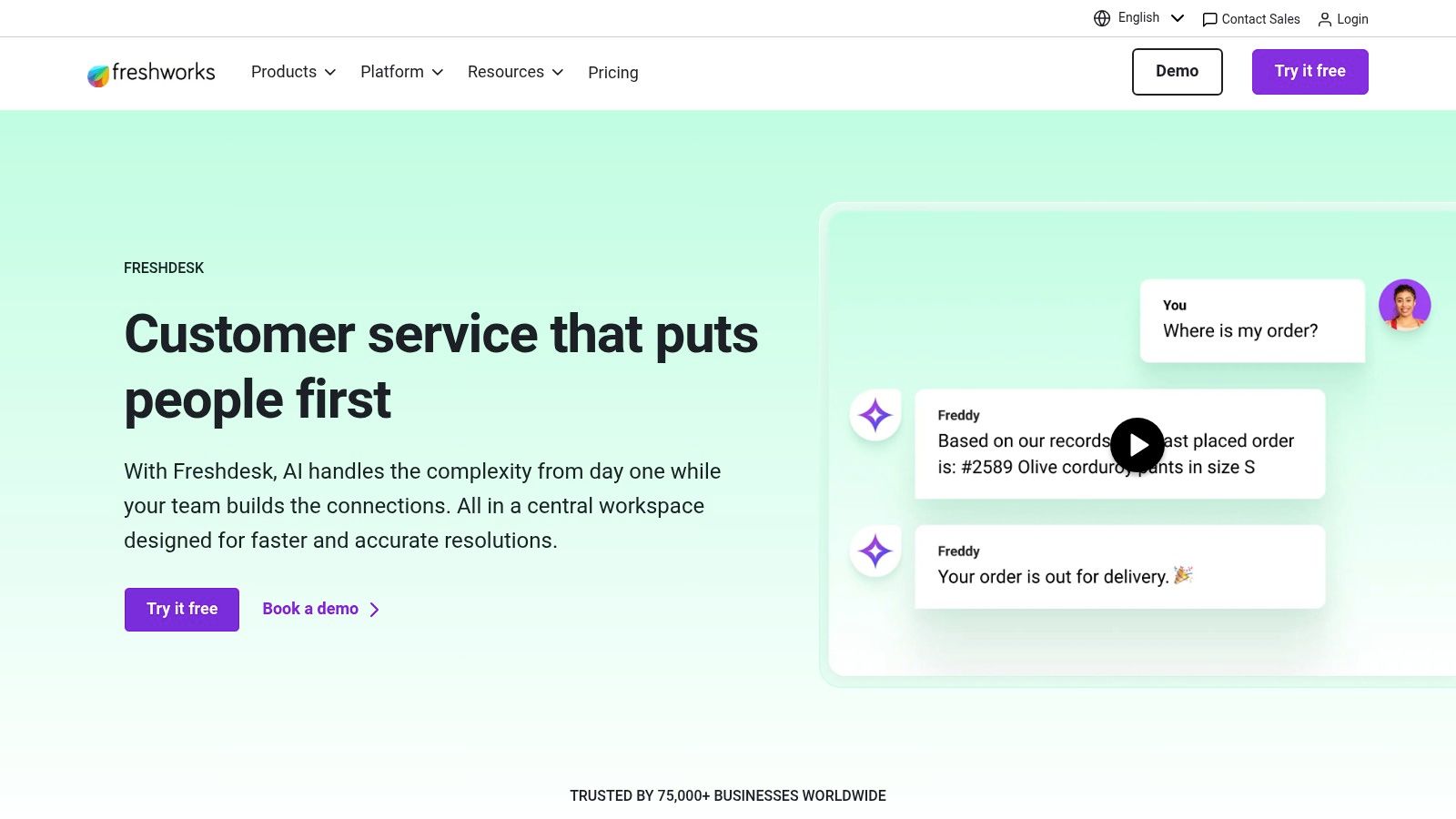
Its standout appeal lies in its scalability and a generous free-forever plan, which provides a risk-free entry point for startups. As a business grows, Freshdesk offers clear upgrade paths that introduce omnichannel capabilities for chat and voice, alongside its AI assistant, Freddy. This structure allows teams to adopt advanced tools as their needs evolve, rather than paying for enterprise features from day one.
Key Features & Use Case
- Ticketing with Automation: Includes robust automations, SLA management, and a self-service knowledge base even in entry-level plans. Ideal for SaaS companies needing to manage support tickets while deflecting common questions with a help center.
- Omnichannel Bundles: Optional add-ons integrate chat and voice directly into the help desk. This is perfect for e-commerce stores wanting to offer real-time support during checkout without managing separate platforms.
- Freddy AI: Freshdesk’s AI helps with agent assistance and powers chatbots. The session-based model is useful for businesses with fluctuating support volumes who only want to pay for AI when it’s actively used.
Pros:
- Generous free plan for up to 10 agents, providing exceptional value.
- Straightforward UI makes onboarding new team members quick and easy.
Cons:
- Advanced features like chat, voice, and AI require higher-tier plans or add-ons.
- The session-based billing for AI can introduce variability into monthly costs.
Website: https://www.freshworks.com/freshdesk/
Pricing: Offers a Free plan for up to 10 agents. Paid plans start at $15 per agent/month (billed annually) for the “Growth” plan, with omnichannel and AI features available in higher tiers.
4. Zoho Desk
Zoho Desk stands out as a powerful, budget-friendly ticketing system, particularly for small businesses already invested in the Zoho ecosystem. It offers a surprisingly feature-rich platform that punches well above its price point, providing a comprehensive solution that seamlessly integrates with Zoho’s suite of business apps, including its popular CRM. This tight integration creates a unified customer data platform, making it a top contender for businesses seeking an all-in-one software family.
The platform excels at providing a structured, multi-channel support hub without a hefty price tag. It allows teams to manage conversations from email, social media, web forms, and live chat within a single interface. Its strength lies in offering advanced features like workflow automation, multi-department management, and SLA tracking even in its more affordable plans, making it one of the best ticketing systems for small businesses that need enterprise-grade tools on a startup budget.
Key Features & Use Case
- Deep Zoho Ecosystem Integration: Natively connects with Zoho CRM, Analytics, and other apps to provide a 360-degree view of the customer. Ideal for a sales-and-support team that needs to share customer history and context without switching tools.
- Multi-Department Support: Easily create and manage separate support departments, each with its own agents, automation rules, and knowledge base. This is perfect for a business separating its sales inquiries from technical support tickets.
- AI-Powered Assistance: Zoho’s AI, Zia, can help agents with response suggestions, sentiment analysis, and ticket tagging, and can power customer-facing chatbots to handle routine queries automatically.
Pros:
- Extremely generous free plan for up to three agents.
- Competitive pricing that provides excellent value for its broad feature set.
- Synergies with the wider Zoho product suite create a powerful, unified platform.
Cons:
- The user interface can feel cluttered and complex for users new to help desk software.
- Key features like live chat are reserved for higher-priced tiers.
Website: https://www.zoho.com/desk/
Pricing: Offers a free-forever plan. Paid plans start at $14 per agent/month (billed annually) for the “Standard” plan, with more advanced features in higher tiers.
5. Help Scout
Help Scout is designed from the ground up for small to medium-sized businesses that prioritize a personal, human touch in their customer support. It combines a shared inbox, knowledge base, and live chat into a clean, intuitive interface that teams can adopt with minimal training. The platform’s philosophy centers on treating customers like people, not tickets, which is reflected in its straightforward, email-like design.
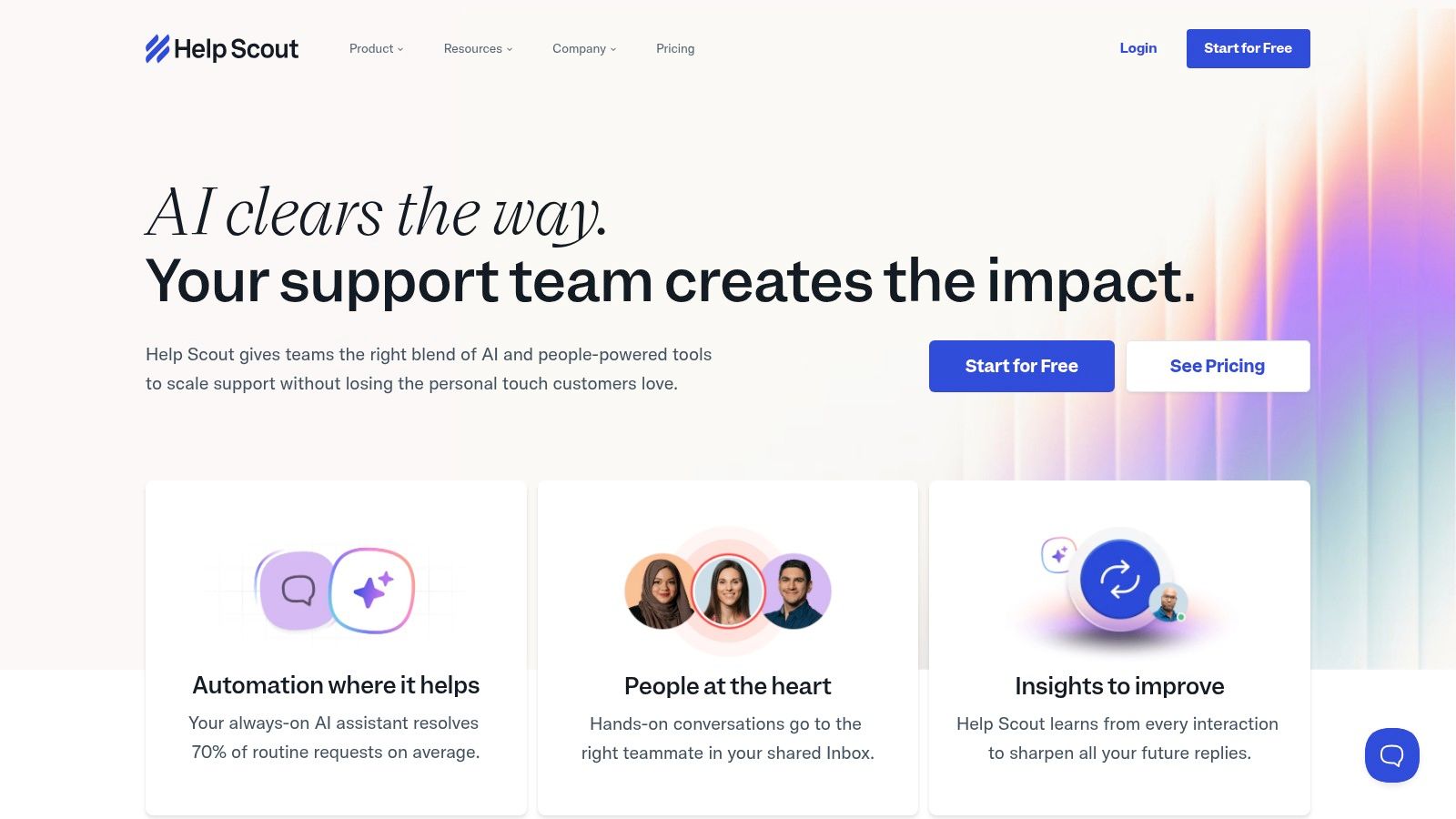
It stands out by offering powerful collaborative features without the complexity of enterprise-grade systems. Workflows automate repetitive tasks, collision detection prevents duplicate replies, and private notes allow for seamless team communication. Help Scout provides one of the best ticketing system experiences for small business teams who value simplicity and efficiency over an overwhelming feature set, ensuring the focus remains squarely on the customer conversation.
Key Features & Use Case
- Shared Inbox with Workflows: Centralize emails from multiple addresses (e.g., support@, info@) and use simple if/then rules to tag, assign, or archive conversations automatically. Ideal for a growing startup that needs to manage customer inquiries without a dedicated support manager.
- Docs & Beacon Widget: Build a self-service knowledge base with Docs and embed it anywhere on your site using the Beacon widget. This widget also offers live chat and email contact, deflecting common questions and reducing agent workload.
- Pragmatic AI Tools: AI Assist helps agents improve their writing tone and clarity, while AI Answers can provide instant resolutions from your knowledge base. This keeps the agent in control while speeding up response times.
Pros:
- Extremely easy to learn and use, facilitating fast onboarding for new team members.
- Fair and transparent pricing, including support for light users at a reduced cost.
Cons:
- Advanced reporting and SSO are restricted to higher-tier plans.
- AI Answers feature comes with per-resolution charges, which can add to the cost.
Website: https://www.helpscout.com/
Pricing: Starts at $20 per user/month (billed annually) for the “Standard” plan. The “Plus” plan at $40 adds more advanced features, and AI is available as an add-on.
6. LiveAgent
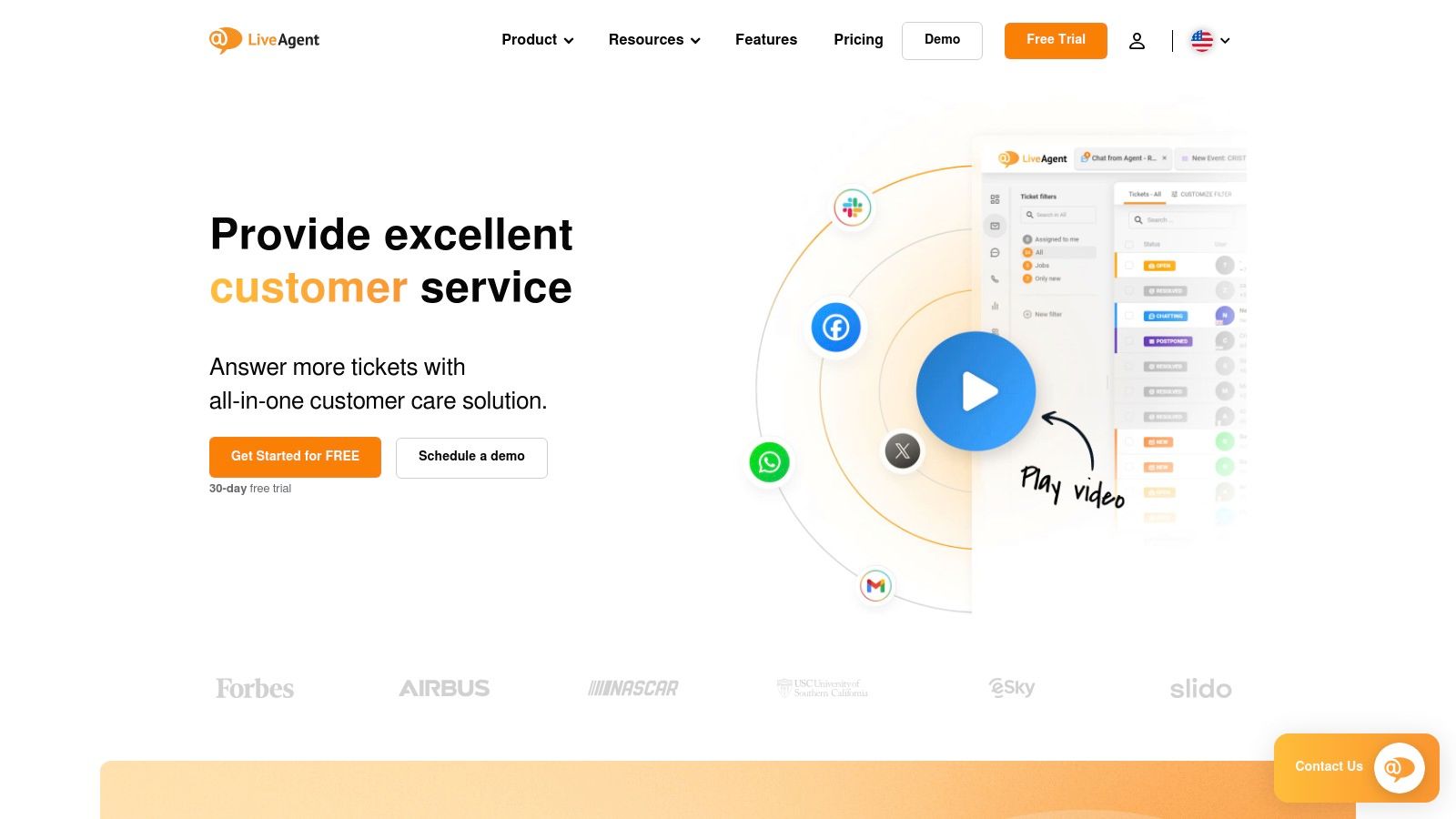
LiveAgent positions itself as an all-in-one, value-oriented help desk solution perfect for small businesses that need multi-channel support without a hefty price tag. It combines ticketing, live chat, and a customer portal into a single, unified inbox, making it a strong contender for teams that want comprehensive functionality out of the box. Its key differentiator is including a wide range of channels, like live chat and a knowledge base, even in its entry-level paid plans.
The platform is designed around a “universal inbox” that centralizes communication from email, chat, social media, and even voice calls. This approach simplifies the agent’s workflow by eliminating the need to switch between different tools. For a small team managing customer inquiries across multiple platforms, LiveAgent offers a powerful and affordable way to streamline operations, making it an excellent choice for businesses looking for the best ticketing system for small business budgets.
Key Features & Use Case
- Universal Inbox: Consolidates tickets from email, live chat, social media, and voice into one interface. Ideal for service-based businesses that need to manage client requests from their website chat and support email in one place.
- Built-in Live Chat & Knowledge Base: Offers core support channels without requiring expensive add-ons. A small e-commerce store can use the live chat for pre-sales questions and the knowledge base for post-purchase support.
- Optional Call Center: Provides advanced voice features like IVR and call routing for businesses that offer phone support, all integrated within the same system.
Pros:
- Very competitive pricing with many channels included in the base plan.
- Offers a generous 30-day free trial to test all features.
Cons:
- Integrations with certain social media channels come as paid add-ons.
- The user interface can feel a bit dated compared to more modern competitors.
Website: https://www.liveagent.com/
Pricing: Starts with a limited free plan. Paid plans begin at $9 per agent/month (billed annually) for the “Small” plan, which includes ticketing and email support. The “Medium” plan at $29 adds live chat and a knowledge base.
7. HelpDesk.com (by LiveChat)
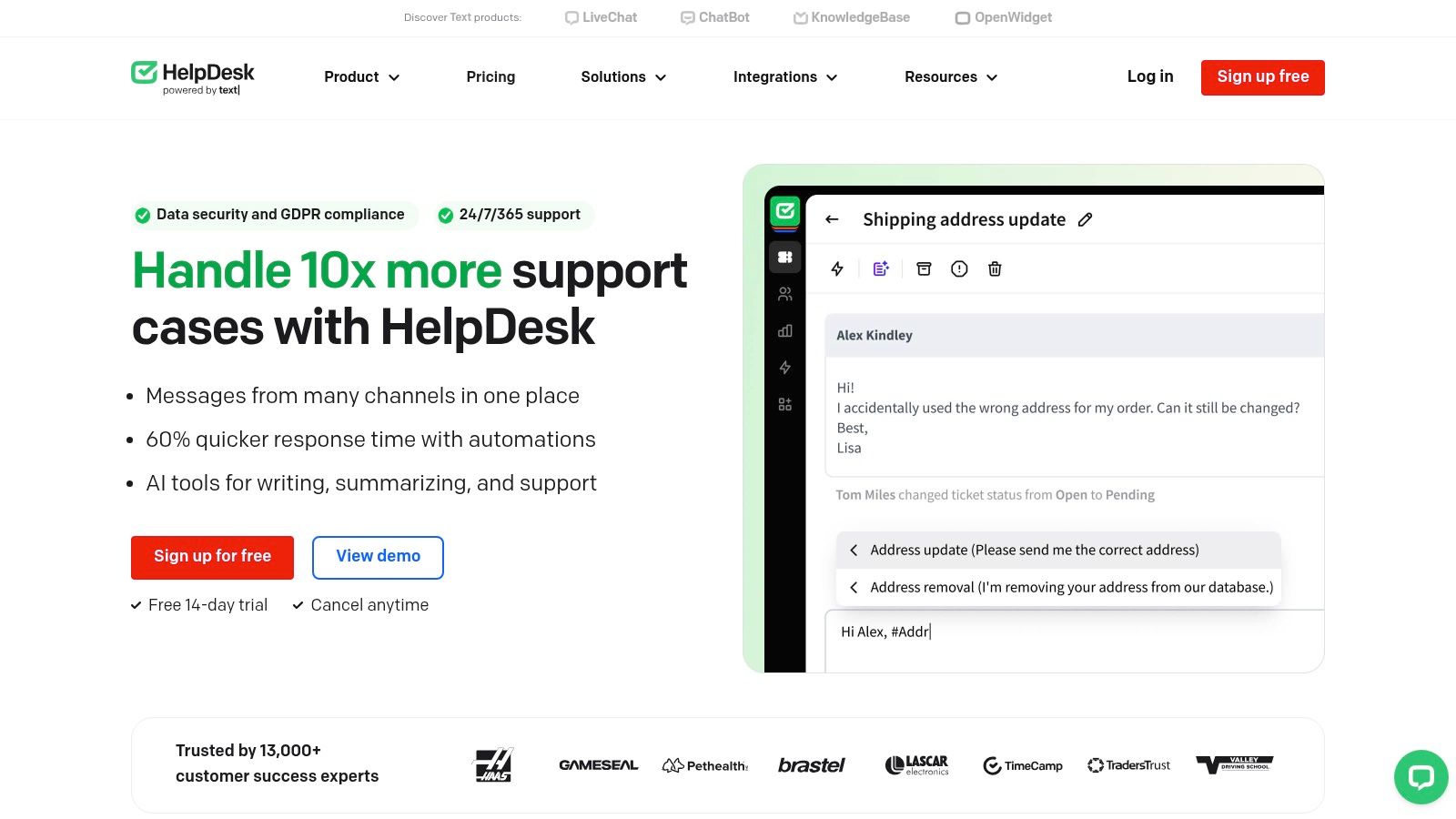
HelpDesk.com, from the makers of LiveChat, offers a refreshingly straightforward and email-centric ticketing system. It’s designed for small businesses that prioritize simplicity and speed without sacrificing essential organizational tools. The platform excels at turning chaotic email inboxes into a structured and collaborative workspace, making it one of the best ticketing systems for small businesses that need to get organized quickly.
Its core strength is its clean, uncluttered interface that requires minimal training to master. Agents can efficiently manage tickets using tags, private notes, and automated workflows, while features like collision detection prevent multiple agents from working on the same ticket. It’s an ideal solution for teams looking to graduate from a shared inbox to a professional support tool without the complexity of an enterprise-level suite.
Key Features & Use Case
- Simplified Email Ticketing: Features powerful tools like rules, tags, and macros to automate email management. This is perfect for service-based businesses that handle the majority of their support requests via email and need to categorize and prioritize them efficiently.
- Multi-Brand Support: Manage customer service for multiple brands or products from a single account, each with its own dedicated mailbox.
- Seamless LiveChat Integration: Natively connects with LiveChat and ChatBot, allowing you to convert chat conversations into tickets with one click for follow-up.
Pros:
- Very quick to set up and deploy, with unlimited tickets on all plans.
- Clean, intuitive user interface that reduces agent training time.
Cons:
- Fewer native channels compared to full omnichannel platforms; chat is handled via integration.
- Less feature depth for businesses requiring highly complex, multi-step workflows.
Website: https://www.helpdesk.com/
Pricing: Starts at $29 per agent/month (billed annually) for the “Starter” plan. A free 14-day trial is available.
8. Hiver
Hiver is a unique customer service solution designed to work directly inside an environment your team already knows: Gmail or Outlook. Instead of introducing a separate, complex platform, it transforms a familiar shared inbox into a powerful, collaborative ticketing system. This approach makes it an excellent choice for small businesses heavily reliant on Google Workspace or Microsoft 365, as it eliminates the need for extensive training and ensures rapid adoption.
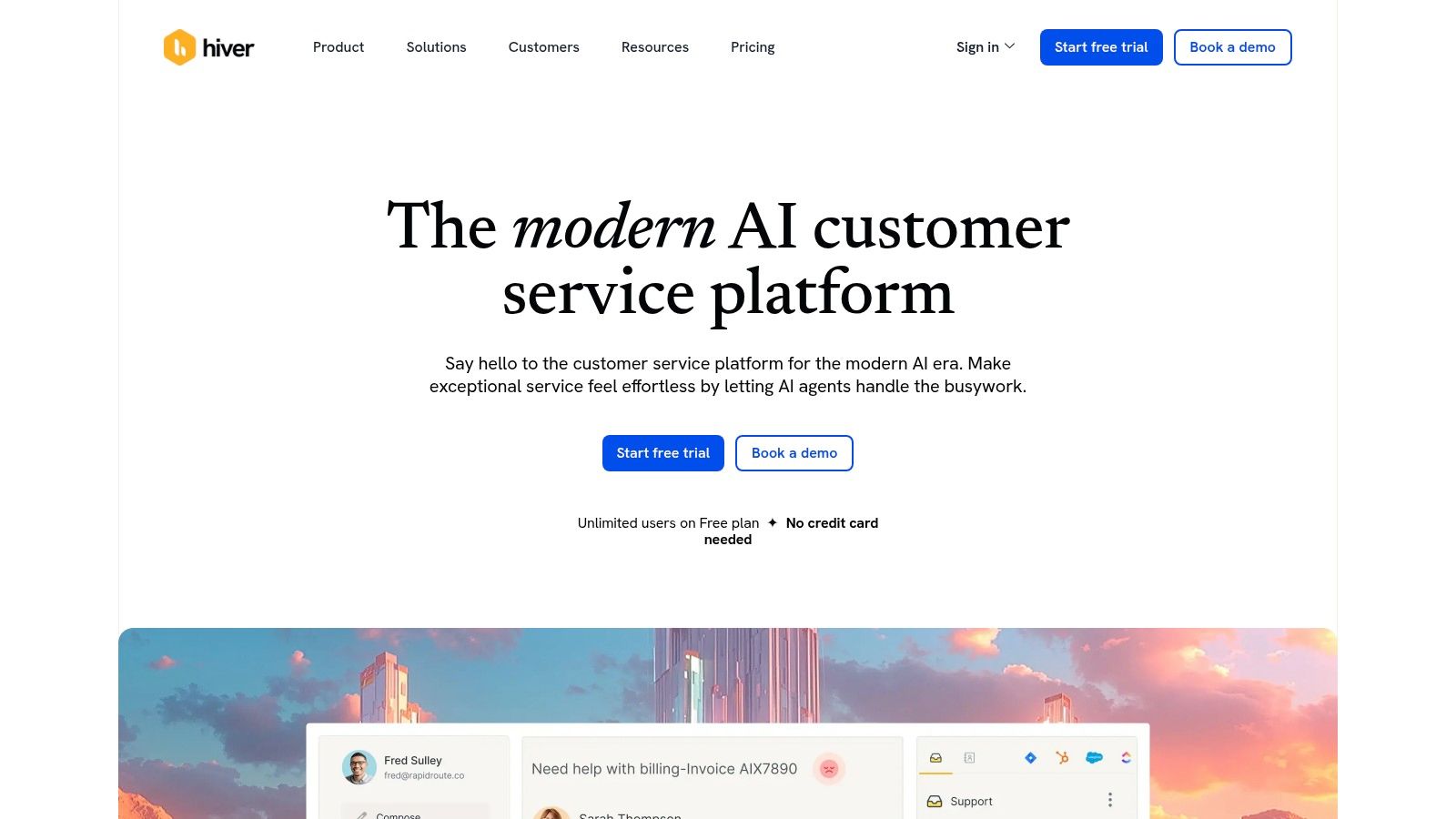
The platform’s core strength lies in its seamless integration. It adds essential help desk functionalities like ticket assignment, status tracking, and collision detection directly into the email interface. This native experience is a key differentiator, making Hiver one of the best ticketing systems for small business teams who want to stay productive within their primary communication tool without switching between applications. It offers the structure of a help desk with the simplicity of email.
Key Features & Use Case
-
Native Gmail/Outlook Integration: Manage support tickets without leaving your inbox. This is perfect for service-based businesses that handle most customer queries via email and want to organize a shared
support@address. - Collaboration Tools: Internal notes, collision alerts, and ticket assignments prevent duplicate replies and keep team communication clear and contextual.
- Automation & SLAs: Set up rules for round-robin assignment, categorize incoming emails, and establish Service Level Agreement (SLA) policies to ensure timely responses.
Pros:
- Minimal learning curve for teams already proficient with Gmail or Outlook.
- Fast deployment and setup within your existing email environment.
Cons:
- Less customization and fewer channels compared to standalone help desk suites.
- Primarily focused on email, so it may not suit teams needing robust multi-channel support.
Website: https://hiverhq.com/
Pricing: Offers a free plan for up to 3 users. Paid plans with more advanced features start at $15 per user/month (billed annually).
9. HubSpot Service Hub
HubSpot Service Hub is an excellent choice for businesses that want their customer service operations deeply integrated with sales and marketing. Built on HubSpot’s powerful CRM platform, it offers a unified view of every customer interaction, from their first marketing touchpoint to their latest support ticket. This holistic perspective empowers support teams with the full context needed to provide personalized and effective service.

The platform’s strength lies in its all-in-one nature. Instead of piecing together different tools, small businesses get a shared inbox, knowledge base, live chat, and customer feedback surveys in one place. Because it’s built on the same foundation as HubSpot’s marketing and sales tools, it’s arguably the best ticketing system for small business teams aiming to break down internal data silos and create a single source of truth for all customer-facing activities.
Key Features & Use Case
- Deep CRM Integration: Every ticket is automatically linked to a contact record, showing their entire history with your company. This is ideal for SaaS businesses that need to understand a user’s subscription level or product usage when resolving a support issue.
- Ticket Pipelines & Automation: Visualize your support process with custom ticket pipelines and use workflows to automate tasks like ticket assignment, status updates, and escalations, freeing up agent time.
- Comprehensive Customer Portal: Empower customers to help themselves by creating a secure portal where they can view and manage their own tickets, browse the knowledge base, and track their support history.
Pros:
- Unified customer record across marketing, sales, and service.
- Scales from powerful free tools to enterprise-level capabilities.
Cons:
- Costs can increase significantly as you add more users and advanced features.
- Professional and Enterprise tiers may require mandatory, paid onboarding.
Website: https://www.hubspot.com/products/service
Pricing: Offers a free plan with basic ticketing and live chat. Paid plans start at $20 per seat/month (billed annually) for the “Starter” plan.
10. Gorgias
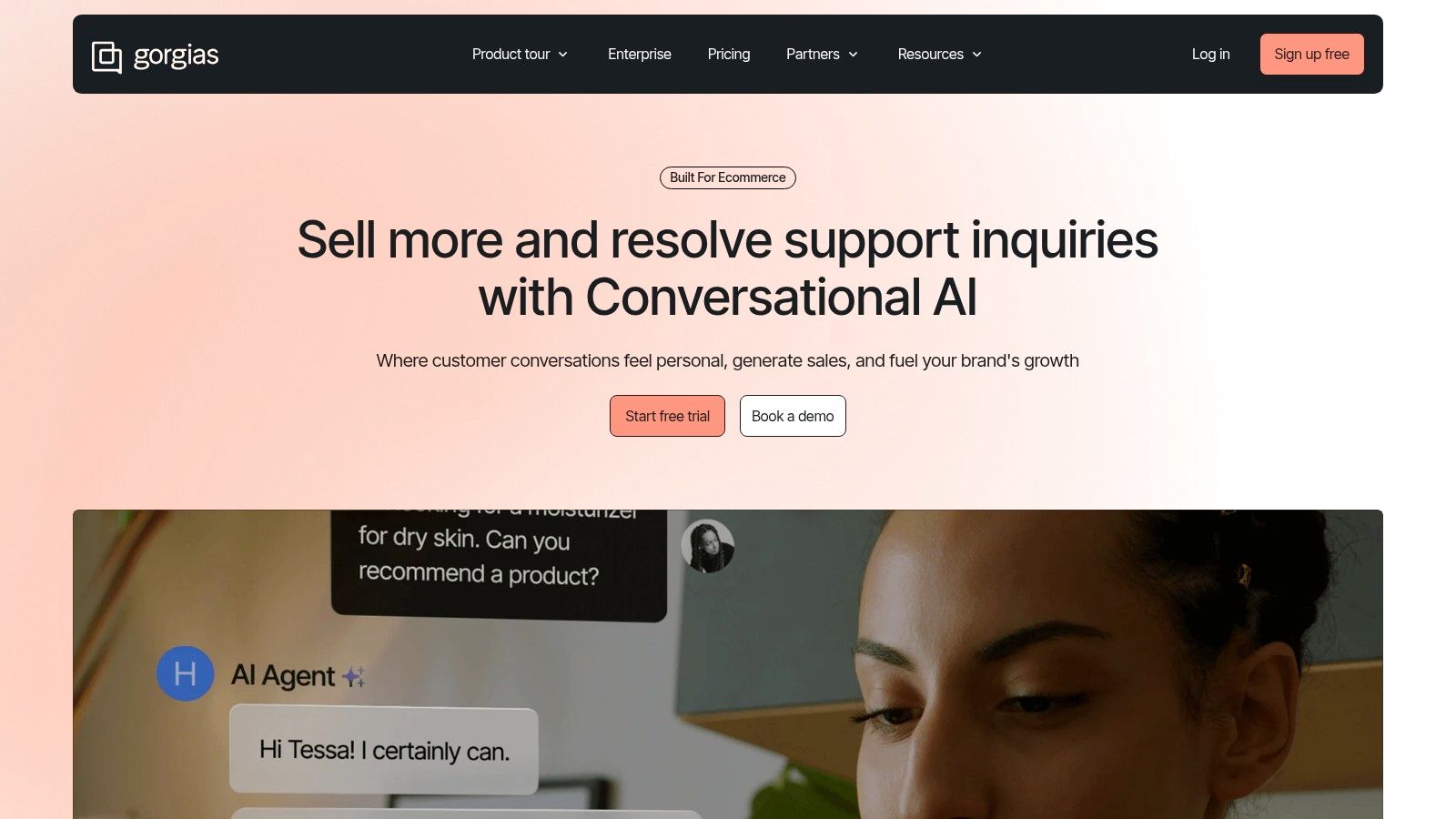
Gorgias is the help desk built from the ground up for e-commerce, especially for direct-to-consumer (DTC) brands running on Shopify. Unlike general-purpose systems, its entire feature set is designed to help support agents not just solve problems but also drive sales. It stands out by deeply integrating with e-commerce platforms, allowing agents to perform actions like editing orders, issuing refunds, and managing subscriptions directly within the ticket interface.
The platform’s unique value is in treating customer service as a revenue center. By arming agents with customer purchase history, conversation context, and in-ticket e-commerce actions, Gorgias empowers them to upsell, cross-sell, and prevent cart abandonment. This makes it an ideal ticketing system for small business owners in the retail space who want to convert support interactions into sales opportunities.
Key Features & Use Case
- Deep E-commerce Integration: View and modify Shopify, BigCommerce, or Magento orders directly from the help desk. This is perfect for a Shopify store agent who needs to quickly process a return or change a shipping address without leaving the ticket.
- Revenue-Driving Tools: Track sales generated by support agents through chat and SMS interactions, and use automation rules to proactively engage potential buyers.
- Volume-Based Pricing: Pricing is based on the number of tickets per month, not the number of agents, which allows an entire team to access the platform without steep per-seat costs.
Pros:
- Unlimited agent seats on all plans.
- Powerful automations and macros tailored specifically for e-commerce tasks.
Cons:
- Ticket-volume pricing can lead to unexpected overage fees during peak seasons like Black Friday.
- Less suited for non-e-commerce businesses due to its specialized feature set.
Website: https://www.gorgias.com/
Pricing: The “Starter” plan begins at $50/month (billed annually) for 300 monthly tickets. More advanced plans offer more tickets and features like revenue statistics.
11. Jira Service Management (Atlassian)
Jira Service Management extends Atlassian’s project management prowess into the service desk world, making it a natural choice for businesses already embedded in the Jira ecosystem. It excels at both internal support (IT, HR) and external customer service by leveraging highly customizable workflows and deep incident management capabilities. This platform is not just a ticketing system; it’s a full-fledged IT service management (ITSM) solution that can scale from a simple help desk to a complex, process-driven operation.
Its power lies in its structured approach to service requests, incidents, problems, and changes. For small businesses that need more than a basic inbox, Jira Service Management provides the tools to build formal processes, manage assets, and link support tickets directly to development tasks in Jira Software. This tight integration makes it one of the best ticketing systems for small business teams in the tech or software space, ensuring seamless collaboration between support and engineering.
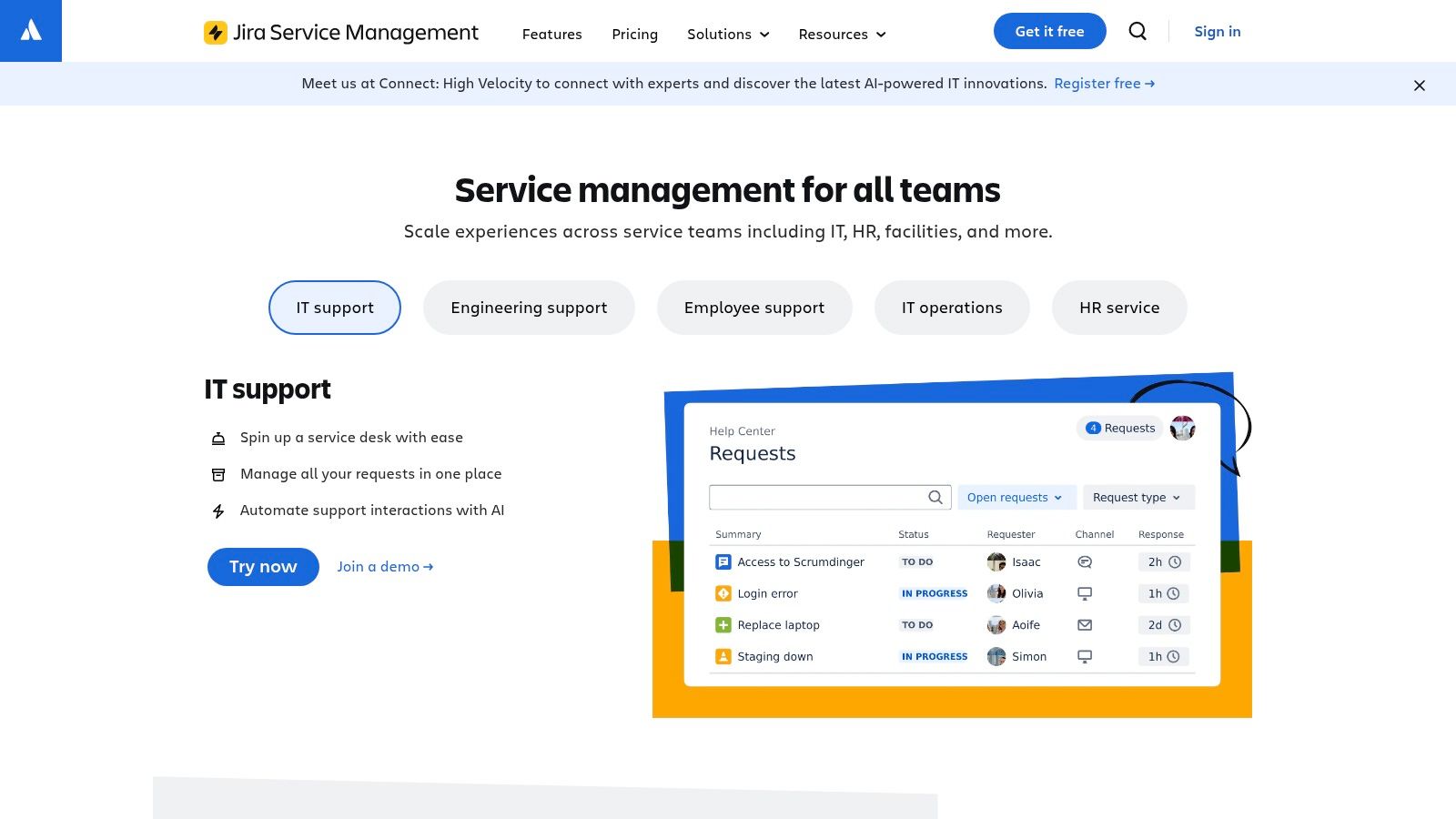
Key Features & Use Case
- ITSM-Ready Workflows: Go beyond simple ticketing with dedicated workflows for incident, problem, and change management. This is ideal for a growing tech startup needing to formalize its internal IT support and DevOps processes.
- Customizable Request Portal: Build an intuitive, self-service portal where employees or customers can submit requests from pre-defined templates, guiding them to provide all necessary information upfront.
- Deep Atlassian Integration: Natively connects with Jira Software and Confluence, allowing you to link support tickets to bug reports or knowledge base articles for faster, more collaborative resolutions.
Pros:
- Powerful workflow automation and customization engine.
- Generous free plan for up to three agents supports very small teams.
Cons:
- The setup and configuration process can be more complex than simpler help desks.
- Provides the best value when used alongside other Atlassian products.
Website: https://www.atlassian.com/software/jira/service-management
Pricing: Offers a Free plan for up to 3 agents. Paid plans start at $22.05 per agent/month for the “Standard” plan with more features and user limits.
12. Capterra - Best Help Desk Software for Small Businesses (Category/List)
Rather than a single product, Capterra offers a powerful resource for comparing the best ticketing system for small business contenders all in one place. It serves as a discovery platform, presenting a curated list of top-rated help desk software specifically vetted for the needs of smaller teams. This makes it an ideal starting point for businesses unsure of where to begin their search.
Capterra excels at providing a bird’s-eye view of the market, allowing you to filter options by essential features, pricing models, and deployment types. Its main strength is the aggregation of verified user reviews, which offers candid insights into the real-world performance of each tool. Instead of relying solely on marketing claims, you can see how each platform functions in practice, helping you build a well-informed shortlist before committing to demos.
Key Features & Use Case
- SMB-Focused Software Shortlists: Presents a curated list of help desk products with ratings, starting prices, and key details tailored to small business operations. This is invaluable for quickly identifying relevant solutions.
- Advanced Filtering & Comparison: Users can filter the list by features like SLA management or knowledge base creation and compare top choices side-by-side. This process is a key part of any evaluation, as detailed in this helpdesk software comparison guide.
- Verified User Reviews: Access thousands of reviews from actual users, providing a neutral perspective on each platform’s strengths and weaknesses.
Pros:
- Neutral comparison format helps discover and evaluate alternatives quickly.
- The shortlist is based on recent, verified reviews from SMB users.
Cons:
- Some listings may be sponsored, so it’s wise to cross-reference information.
- Pricing and feature details should always be confirmed on the vendor’s official website.
Website: https://www.capterra.com/help-desk-software/s/small-businesses/
Pricing: Capterra is a free resource for buyers. The pricing of the software listed on their site varies by vendor.
Top 12 Small-Business Ticketing Systems - Comparison
| Product | Core features | Quality / Ratings ★ | Price / Value 
|
Target 
|
Unique selling points 
|
|---|---|---|---|---|---|
 Ticketdesk AI Ticketdesk AI |
AI ticket automation, smart routing, tagging, analytics, agent collaboration | ★★★★☆ 4.8/5 · 94% resolution · ~2.3 min RT |
Free trial/demo; enterprise pricing · marketing cost‑savings claims |
SaaS, e‑commerce, startups, enterprises scaling w/limited headcount |
Continuous KB learning, native escalations, public API, human oversight |
| Zendesk | Omnichannel ticketing, workflows, automations, large app ecosystem | ★★★★☆ Mature, enterprise‑grade |
Tiered plans; add‑ons can raise cost |
SMB → Enterprise scaling teams |
Extensive marketplace, workforce mgmt & QA add‑ons |
| Freshdesk (Freshworks) | Ticketing, automations, KB, Freddy AI, omnichannel bundles | ★★★★☆ Easy UI; SMB friendly |
Free starter tier; clear plans; AI/chat often paid |
Small teams & SMBs |
Generous free program; fast setup |
| Zoho Desk | Multi‑channel ticketing, SLAs, workflows, Zia AI | ★★★★☆ Budget‑friendly, feature rich |
Free for 3 users; competitive pricing |
Small teams in Zoho ecosystem |
Tight integration with Zoho suite; strong value |
| Help Scout | Shared inboxes, docs KB, Beacon, AI drafts/answers | ★★★★☆ Clean UI; fast adoption |
Transparent plans; AI per‑resolution charges |
Small teams wanting personal support |
Simple shared inbox model; great onboarding |
| LiveAgent | Ticketing, live chat, KB, optional call center/IVR | ★★★★☆ Value‑oriented; many channels included |
Low entry price; 30‑day trial |
Small teams needing built‑in chat/call |
Built‑in chat + call features at low cost |
| HelpDesk.com (by LiveChat) | Email‑first ticketing, rules, tags, macros, multi‑brand | ★★★★☆ Streamlined email support |
Unlimited tickets on plans; clear tier limits |
SMBs focused on email support |
Very quick deploy; unlimited tickets |
| Hiver | Gmail/Outlook‑native ticketing, SLAs, automations, Slack | ★★★★☆ Minimal learning curve for inbox users |
Free plan; quick deployment |
Google Workspace / Microsoft 365 teams |
Native inbox integration; mobile & Slack apps |
| HubSpot Service Hub | Shared inbox, ticket pipelines, KB, CRM‑linked automation | ★★★★☆ Unified CRM+service; strong reporting |
Free → paid tiers; onboarding fees on higher plans |
SMBs wanting sales & service alignment |
Unified customer record across CRM + service |
| Gorgias | Ecommerce omnichannel, order automations, ticketing by volume | ★★★★☆ Shopify‑centric; revenue‑focused |
Volume‑based pricing; aligns w/store growth |
DTC & Shopify merchants |
In‑ticket ecommerce actions; unlimited users |
| Jira Service Management | Request portal, SLAs, CMDB, incident/change mgmt | ★★★★☆ Powerful for IT; heavier setup |
Free for small teams; scales to enterprise |
IT/ops teams, Atlassian customers |
Deep workflow customization; assets & CMDB |
| Capterra - Help Desk List | Curated shortlists, filters, ratings, vendor links | ★★★★☆ Useful for discovery & reviews |
Free to use; some listings sponsored |
SMB buyers researching options |
Quick side‑by‑side comparisons & reviews |
Making Your Final Choice: How to Select the Right System for Your Team
Navigating the landscape of customer support software can feel overwhelming, but by now, you have a clear map of the top contenders. We’ve explored everything from the AI-powered efficiency of Ticketdesk AI to the all-in-one ecosystem of HubSpot Service Hub and the e-commerce-focused power of Gorgias. The journey from identifying a need to implementing a solution is a critical one, and choosing the best ticketing system for your small business is less about finding a universally perfect tool and more about finding the perfect tool for your unique situation.
The core takeaway is this: the “best” system is the one that directly solves your most pressing problems and aligns with your team’s existing workflow. A feature-packed platform is useless if your team finds it too complex or if it doesn’t integrate with the tools you already rely on. Your final decision should be rooted in a deep understanding of your specific operational pains and growth ambitions.
From Shortlist to Solution: Your Actionable Next Steps
You’ve read the reviews, compared the features, and likely have a shortlist of two or three promising options. Now it’s time to move from theoretical analysis to practical evaluation. Here’s a simple framework to guide your final selection process.
-
Define Your Non-Negotiables: Revisit your initial list of must-have features. Is it seamless multi-channel support like that offered by LiveAgent? Is it a deep integration with your CRM? Or is it the ability to operate entirely within your existing inbox, a key strength of Hiver? Be ruthless in eliminating any tool that doesn’t meet these core requirements.
-
Launch Targeted Free Trials: Don’t just sign up for a demo. Engage with the free trials offered by vendors like Freshdesk, Zoho Desk, and Help Scout. Create a mini-project for your team. Task them with setting up a specific workflow, handling a few test tickets, and building a sample knowledge base article. This real-world usage will reveal friction points and highlight intuitive design far better than any marketing brochure.
-
Involve Your End-Users: Your support agents are the front-line experts. Their buy-in is crucial for successful adoption. Let them participate in the trial period and gather their honest feedback. They will notice workflow inefficiencies and ergonomic issues that managers might overlook. A system that empowers them will ultimately lead to better customer outcomes.
Key Factors to Re-Evaluate Before You Commit
As you test your top choices, keep these final considerations in mind. They often separate a good choice from a great one.
-
Scalability and Pricing Tiers: The “best budget option” today might become a costly bottleneck tomorrow. Look at the full pricing structure, not just the entry-level plan. How much will it cost when your team grows from three agents to ten? Does the next tier up unlock essential features or just “nice-to-haves”? Platforms like Zendesk and Jira Service Management offer clear, scalable paths, but ensure they align with your budget projections.
-
Implementation and Onboarding: How much heavy lifting is required to get started? A system like HelpDesk .com is known for its simplicity and quick setup. Conversely, a more powerful platform might require dedicated time for data migration and team training. Factor this initial time and resource investment into your total cost of ownership.
-
Support Quality of the Vendor: When your support system goes down, who supports you? Test the vendor’s own customer service during your trial period. Ask a complex question or report a minor bug. Their response time and the quality of their assistance are strong indicators of the partnership you can expect.
Ultimately, selecting the best ticketing system for your small business is a strategic investment in your customer relationships. It’s the operational backbone that allows you to deliver consistent, high-quality service, turn frustrated customers into loyal advocates, and free up your team to focus on what they do best. Choose the tool that not only organizes the chaos but also empowers your team to create exceptional experiences, one ticket at a time.

Ready to get started?
Join hundreds of teams using Ticketdesk AI to deliver exceptional customer support.