Changelog
What's new
Changes to Ticketdesk AI, the open-source chatbot, the help desk API and our support apps. Also available as changelog.json.
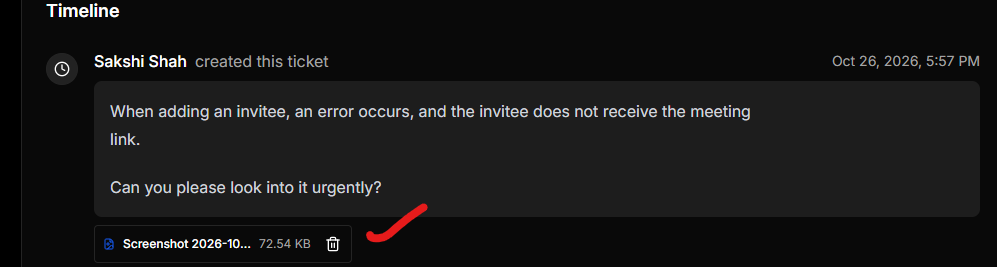
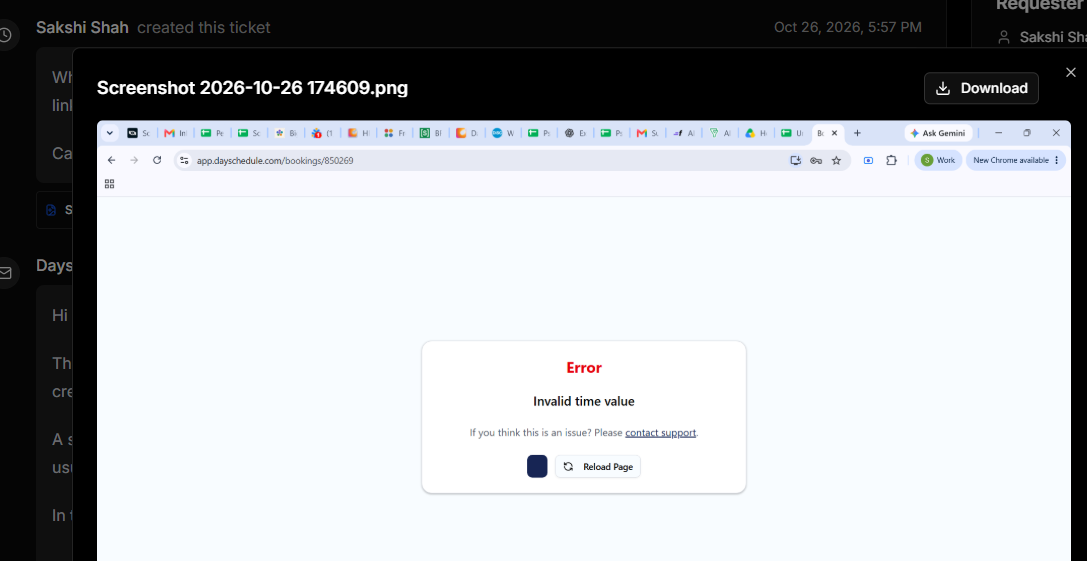
File Viewer
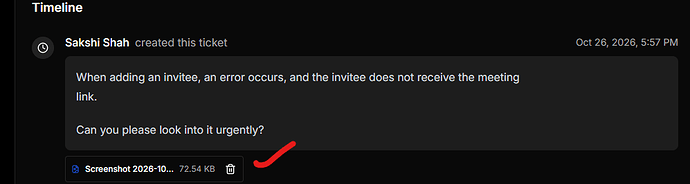
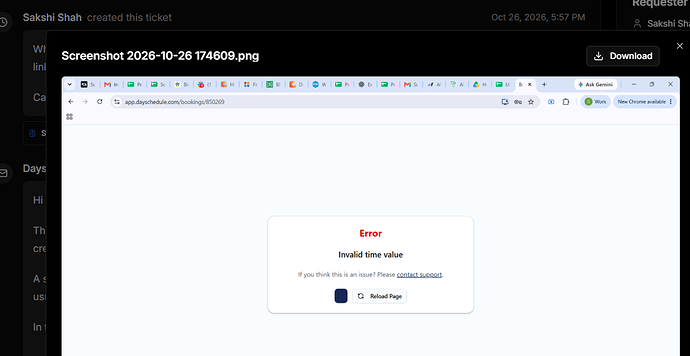
Added an in-app file viewer for supported images in tickets and chats. This will allow you to preview them directly in Ticketdesk instead of downloading them.
Other files, such as PDFs, continue to download as before.
Click on attachment
Images opened on the file viewer
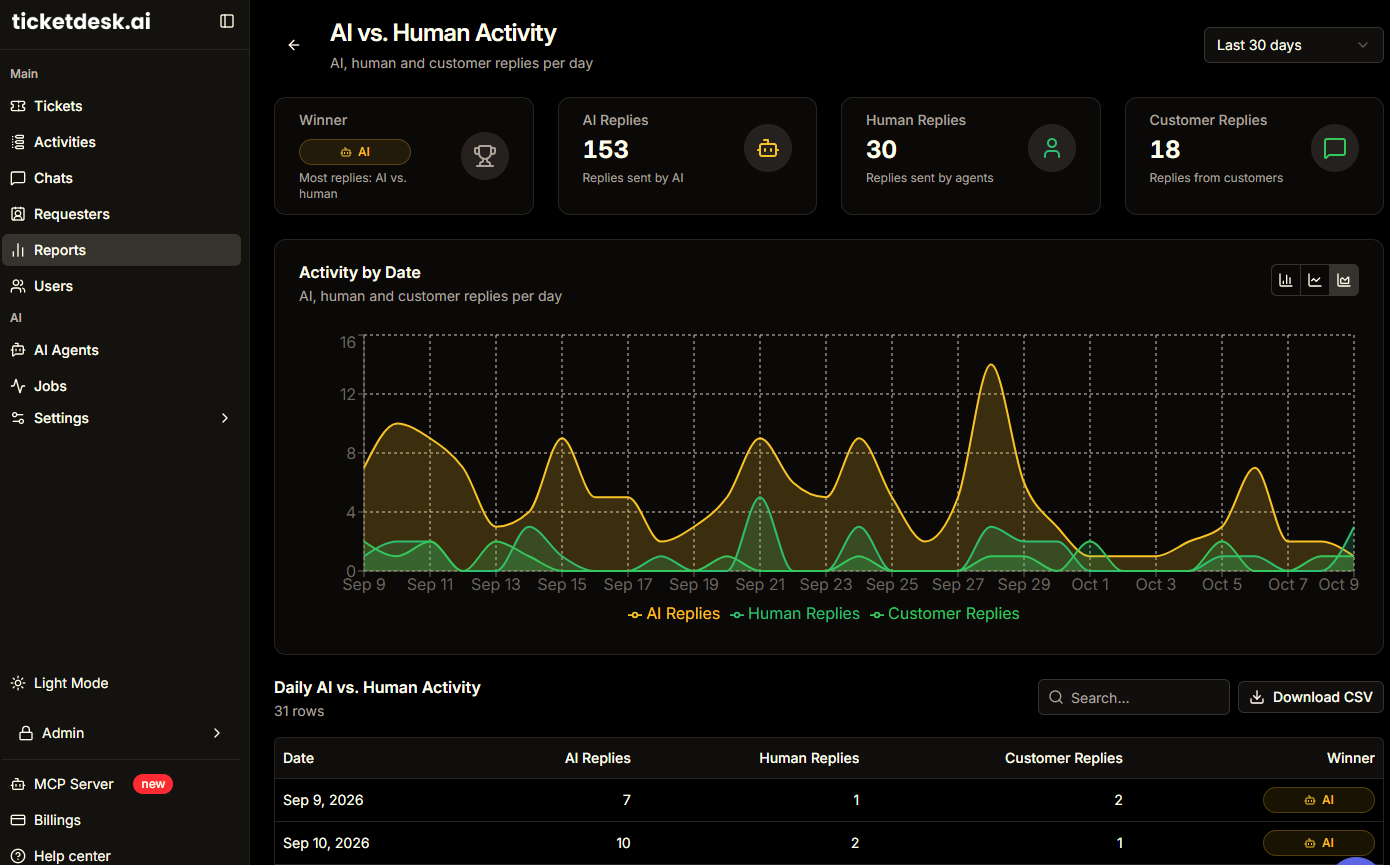
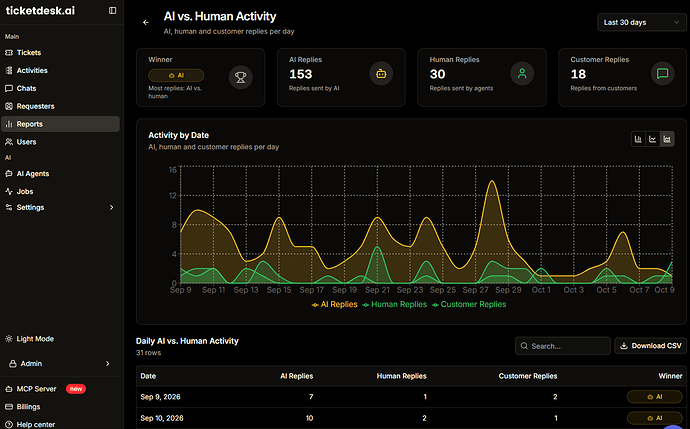
AI vs Human agents report
The new AI vs. Human Agents Report helps you track who’s resolving your customer support tickets. Compare AI and human agent performance to understand how your support team handles customer requests.
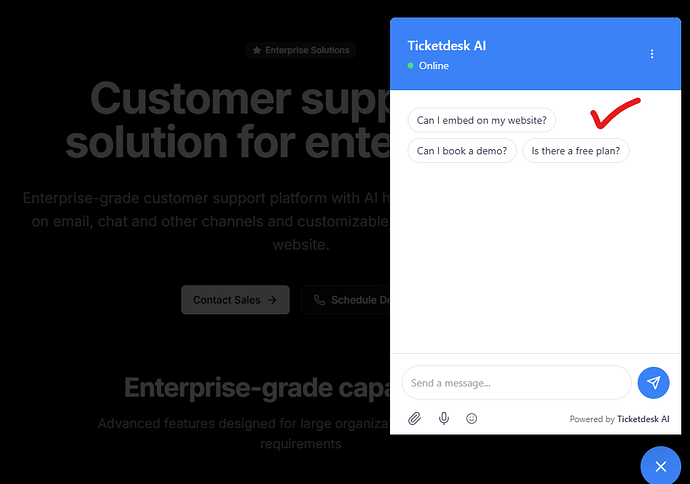
Chatbot suggestions
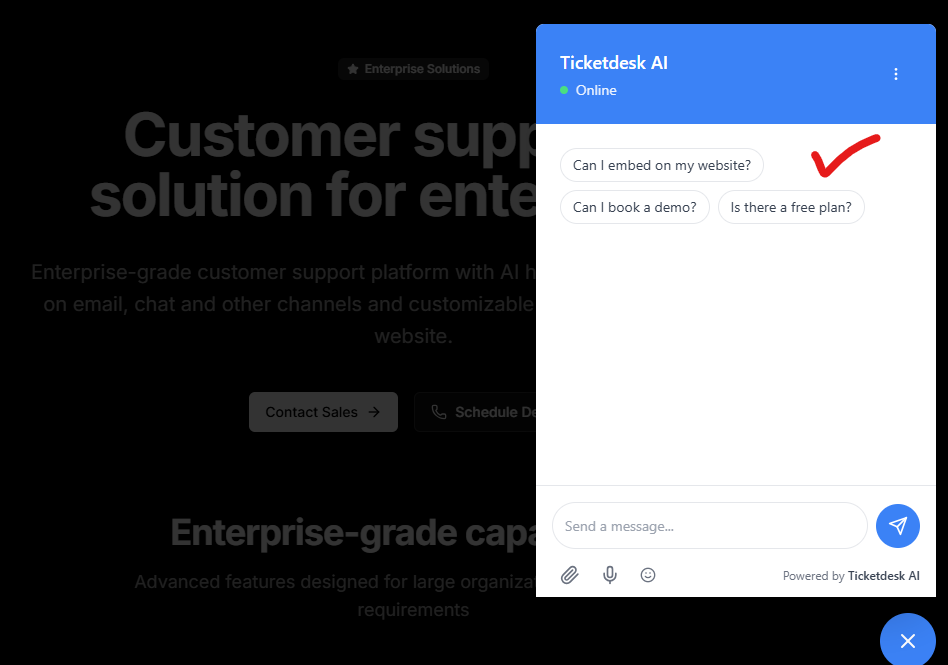
Added suggestions feature on chat to make it easier for visitors to start a conversation with configurable chatbot suggestions.
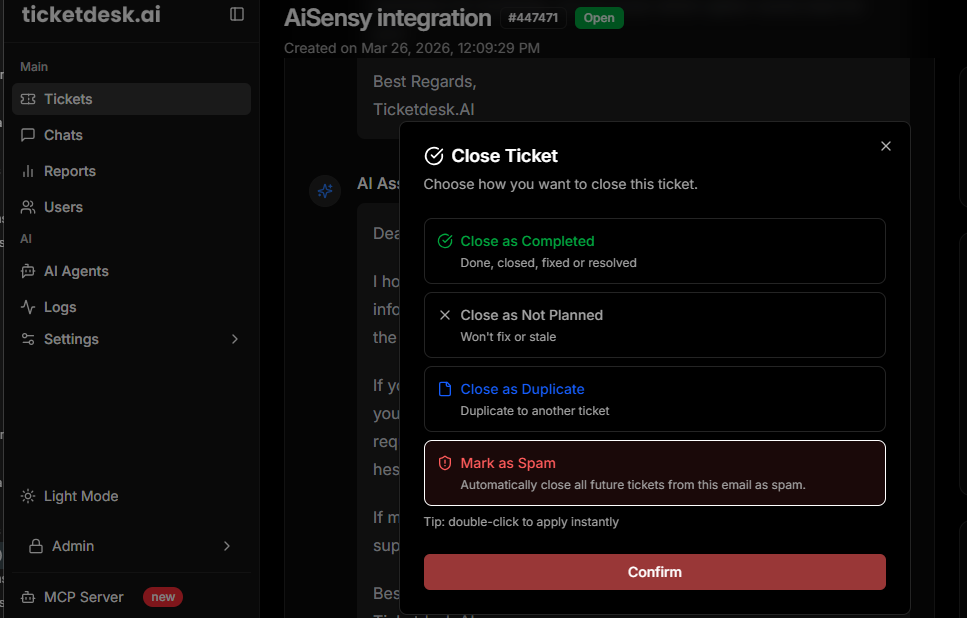
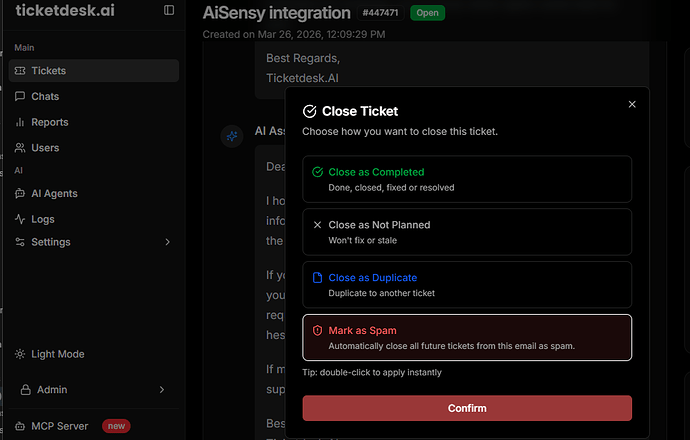
Mark as Spam
Added new feature to mark emails as spam with a single click to instantly block the sender and prevent future tickets from being created from that email address to save AI tokens.
Ticketdesk AI automatically filters future incoming spam, keeping your inbox clean and helping your team stay focused on genuine customer requests only.
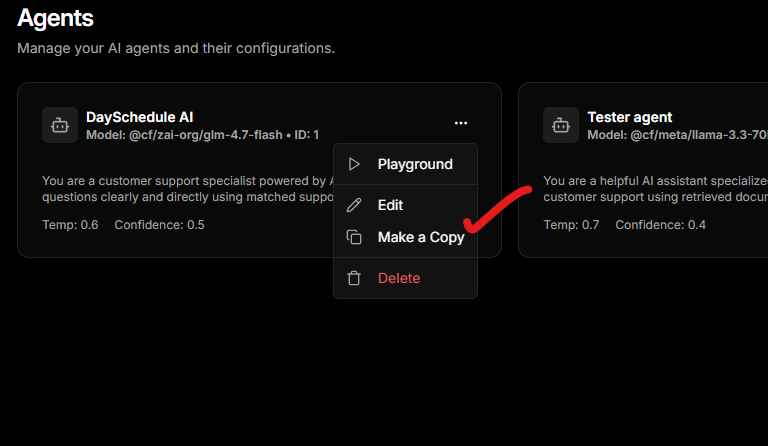
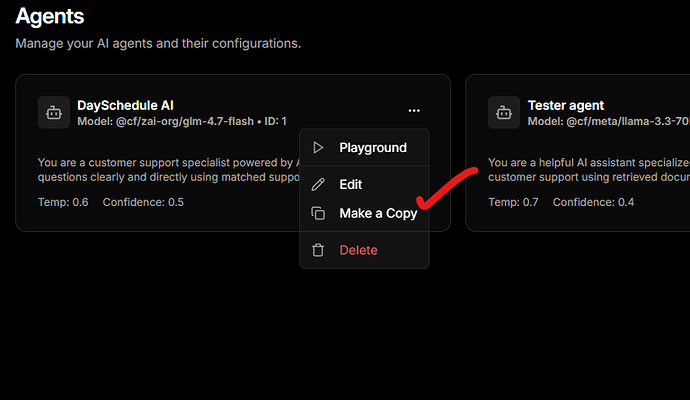
Duplicate Agents
Added duplicate agents feature to clone an agent’s prompt, description, settings, and configuration in a single click, making it easier to create similar agents without starting from scratch.
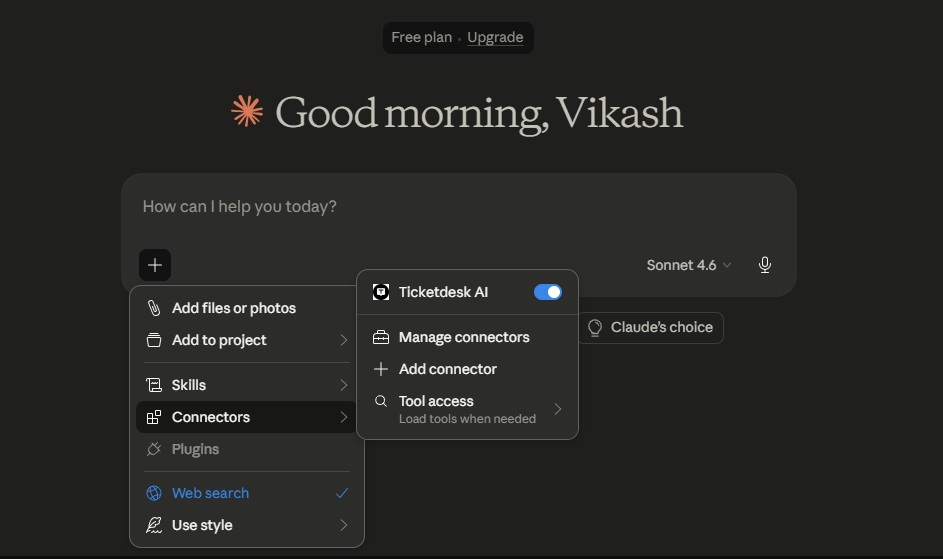
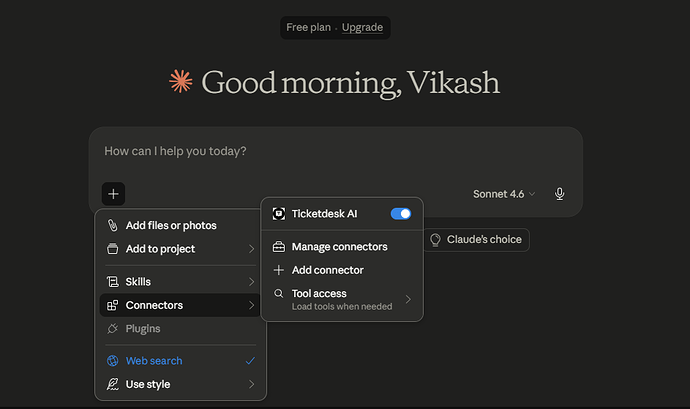
MCP Server
Introducing MCP Server support - the fastest way to connect your AI tools with Ticketdesk AI
With MCP (Model Context Protocol), you can now expose your customer support tickets to AI agents, enabling smarter automation, real-time responses, and more powerful integrations across your helpdesk.
Add your MCP server configuration like this:
{
  "mcpServers": {
    "ticketdesk": {
      "url": "https://api.ticketdesk.ai/mcp?apikey=[YOUR_API_KEY]"
    }
  }
}
Check complete documentation here
Search and Filter Logs
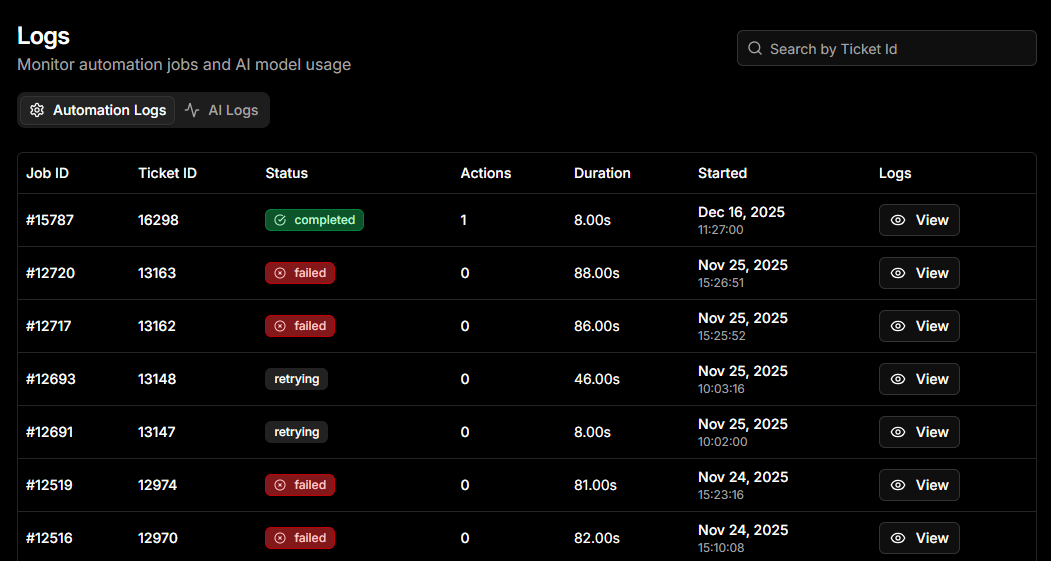
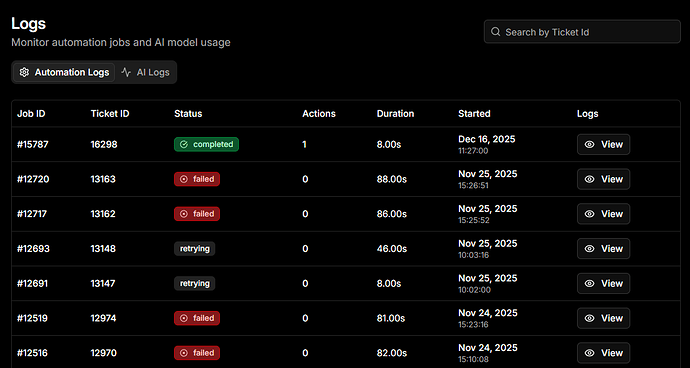
You can now search AI automation logs using a Ticket ID.
- Search automation logs by
#ticket_idto trace exactly what actions the AI took for a specific ticket. - Easily filter results to debug issues, audit workflows, and understand AI behavior in detail.
- Search automation logs by
GPT 5.2 for Customer Support
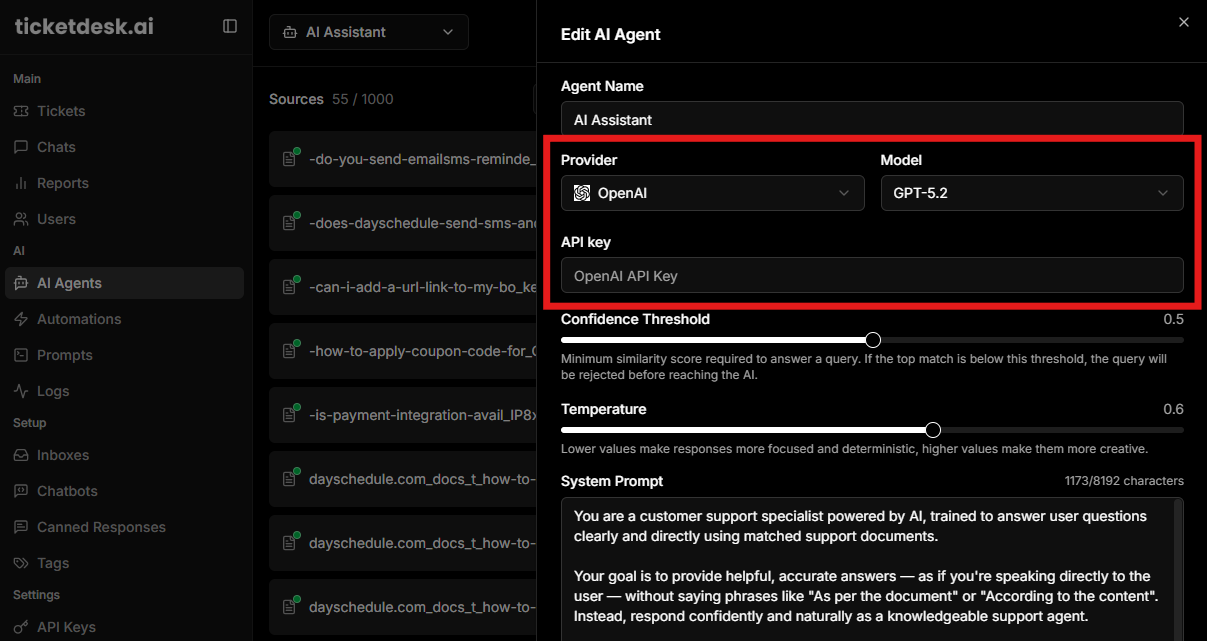
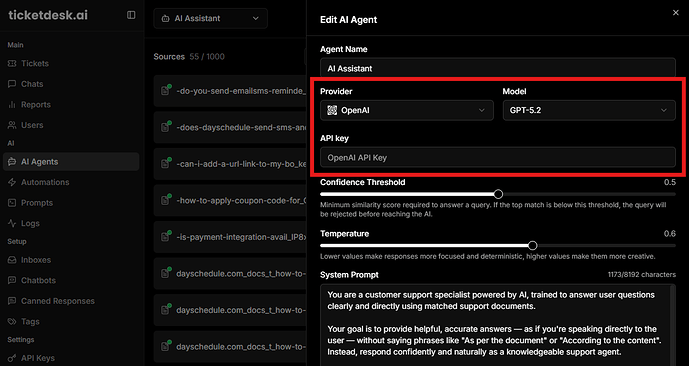
We’ve added GPT-5.2 to connect your own model, giving you access to Open AI new model for customer support workflows.
What’s new:
- Improved response accuracy and reasoning
- Better understanding of customer intent and context
- More consistent and natural support replies
You can now configure GPT-5.2 just like any other providers on your support agent and start using it immediately in resolving your customer support tickets with AI.
Delayed AI Responses
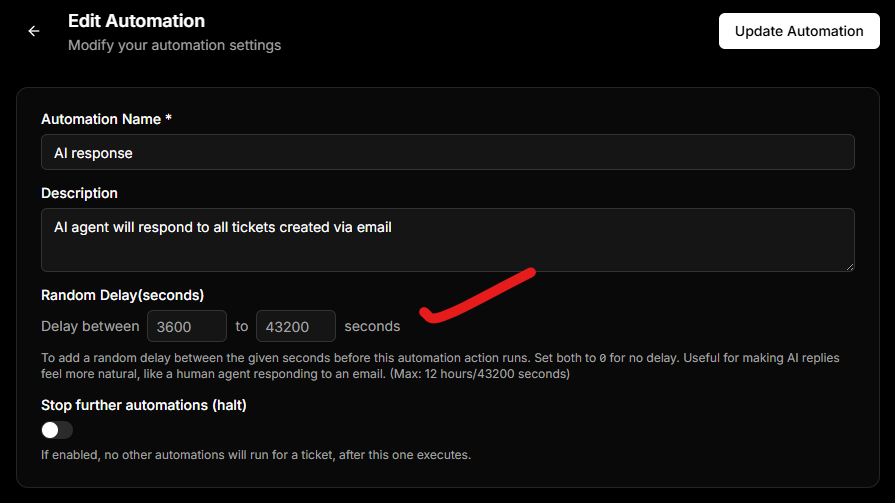
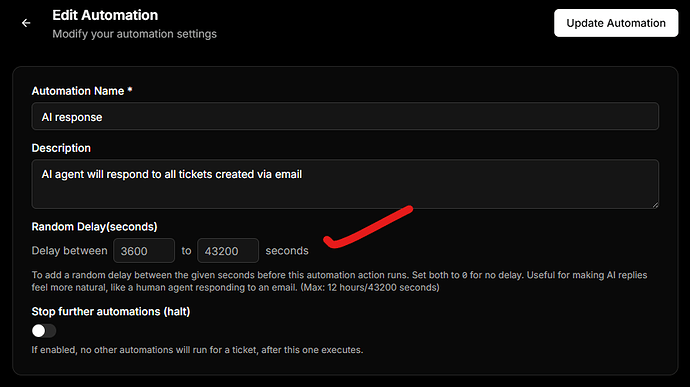
We’ve increased the max delay to up to 12 hours to configure your AI responses with random delay to make the responses more human like -
AI Chatbot
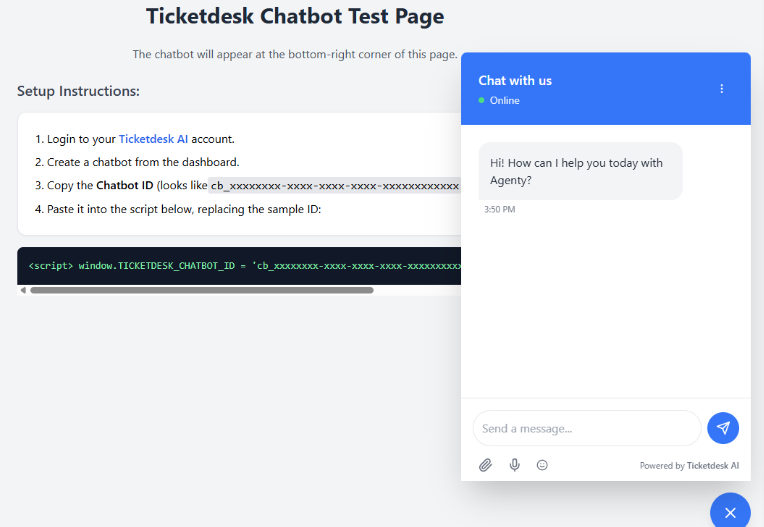
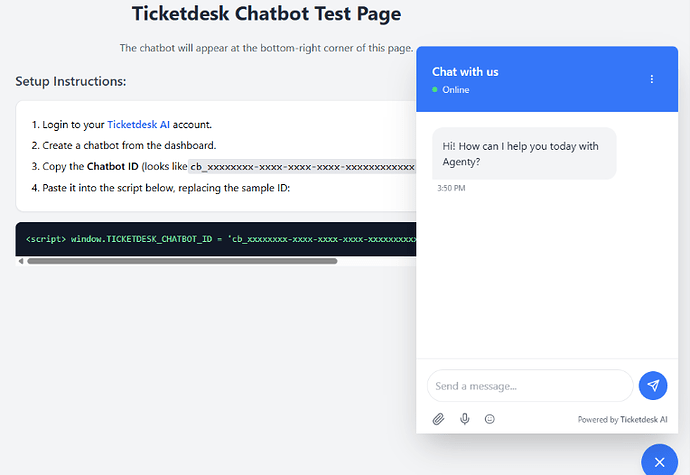
Our open-source chatbot is now available in beta - ready to be embedded on your website for live human support + AI-powered customer assistance.
Get started with the integration today, and contact our support team to request beta access.
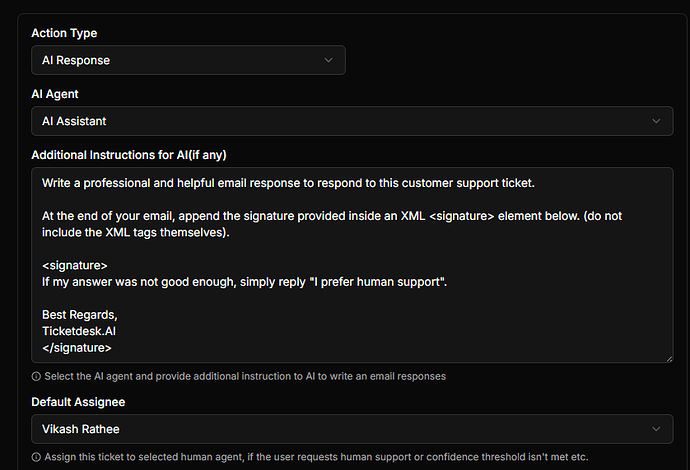
AI Email Responses
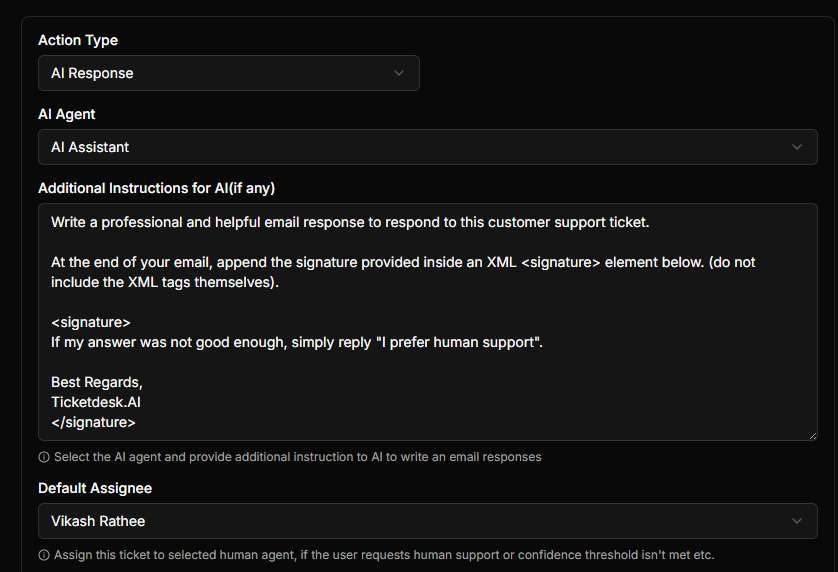
The AI Reply feature is now available for all accounts, enabling automated AI responses for every incoming ticket email, not just the first one.
This means your AI agent can continue handling customer conversations over email and hand off to a human agent whenever necessary - for instance, if a customer says something like “I need a human agent.”
Learn more about configuring and customizing AI responses here.