Documentation
Here you'll find complete guides and setup instructions to help you configure your AI-powered helpdesk, automate support workflows, and embed a chatbot on your website to answer support questions with AI.
AI Chatbot
Get started with Ticketdesk AI chatbot in just a few minutes.
npm i ticketdesk-chatbot
// or
yarn add ticketdesk-chatbot
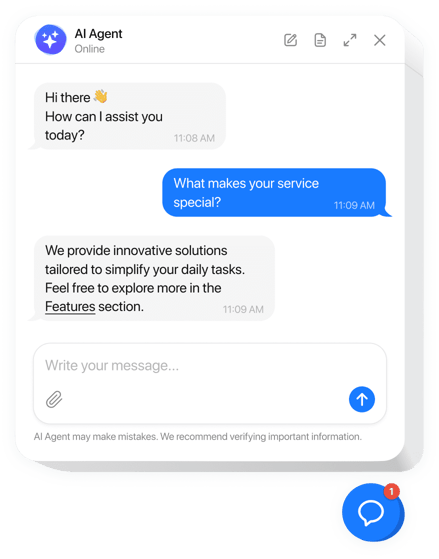
Using the AI chatbot, you can:
- Embed it across multiple website or domains
- Train with your own data (website, docs, FAQs)
- Connect with multiple AI models(ChatGPT, Gemini, Claude, Perplexity, etc.)
- Add human agents for live support
- Customize branding, inbox, escalation rules and automations
Setup Instructions
- Login to your Ticketdesk AI account.
- Create a Chatbot from Settings > Chatbots.
- Copy your Chatbot ID
d_xxxxxxxx-s-xxxxxxxxxxxx - Paste the ID into the script inside your webpage.
Using CDN (Recommended)
You can load the chatbot script directly from the Ticketdesk AI CDN:
<script>
window.TICKETDESK_ID = 'd_xxxxxxxx-s-xxxxxxxxxxxx'; // Replace with your ID
</script>
<script src="https://ticketdesk.ai/ticketdesk-chatbot.min.js"/>