Team and account
Update your profile and account settings
Updated · View as Markdown
Ticketdesk AI has two settings pages for this. Profile Settings is about you as a user. My Account is about your company and is shared by everyone on the team.
Your profile
Click your name at the bottom of the sidebar and choose Profile.
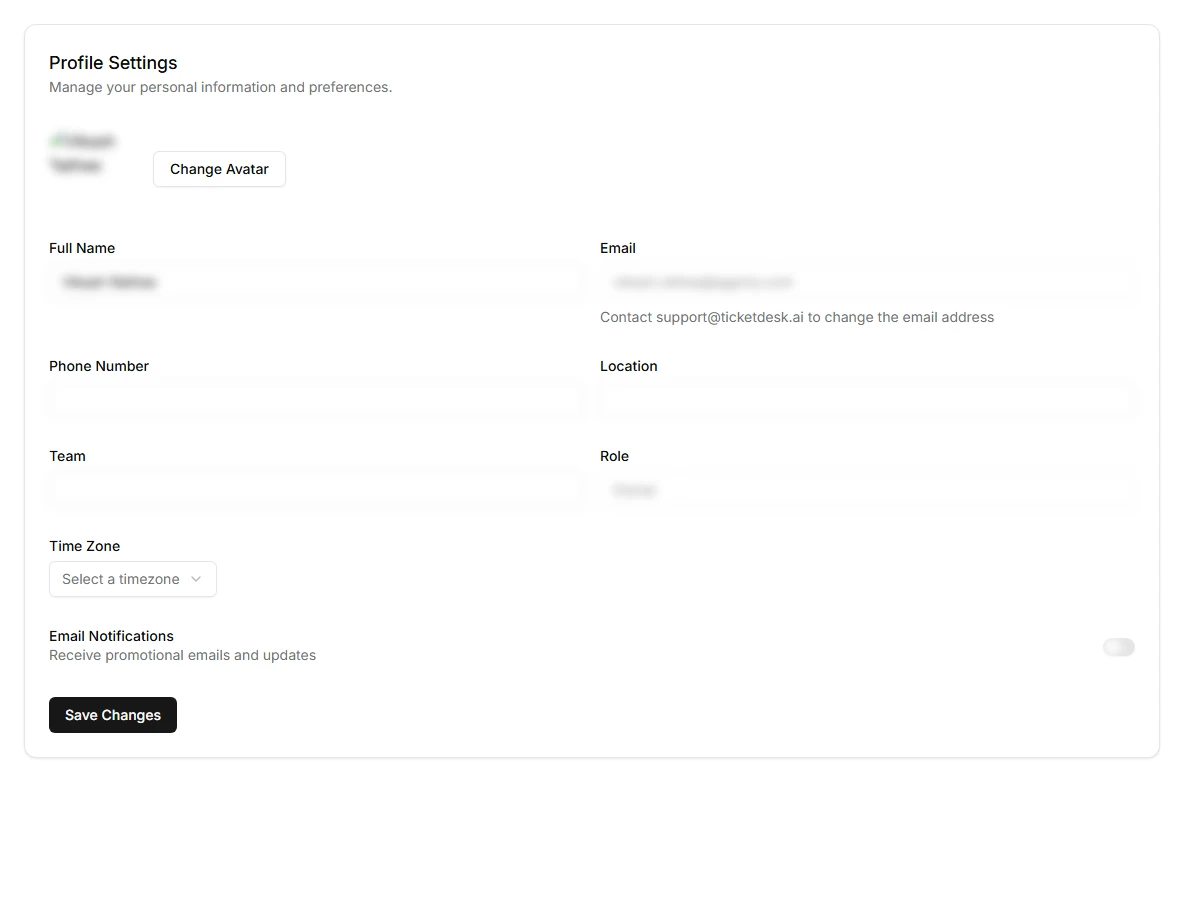
- Change Avatar uploads your profile picture
- Full Name is the name customers and teammates see on your replies
- Phone Number, Location and Team are for your team's reference
- Time Zone is your local time zone
- Email Notifications turns promotional emails and product updates on or off
Click Save Changes.
Your email address and role are read-only here. To change your email, contact support@ticketdesk.ai. Your role is set by an Owner or Admin on the Users page, see team members and roles.
Account information
Open Settings and select My Account. The top section shows your Account ID, status and data region, which support may ask for. You can edit the company Website and Country.
The Billing Information section below holds the name, address and tax number printed on invoices. See plans and billing.
Light and dark mode
Click Light Mode near the bottom of the sidebar to switch the app's theme.
Delete your account
Deleting the account is permanent and affects your whole team. It:
- Permanently deletes all your data, including all tickets and responses
- Cancels any active subscription
- Removes access for all team members
There is no recovery after deletion, so export what you need first, for example tickets through the REST API.
- Go to app.ticketdesk.ai/settings/delete-account.
- Read the list of what will be deleted.
- Type
delete my accountin the confirmation box. - Click Permanently Delete Account and confirm in the final dialog.
If you only want to stop paying, cancel the subscription instead. See plans and billing.